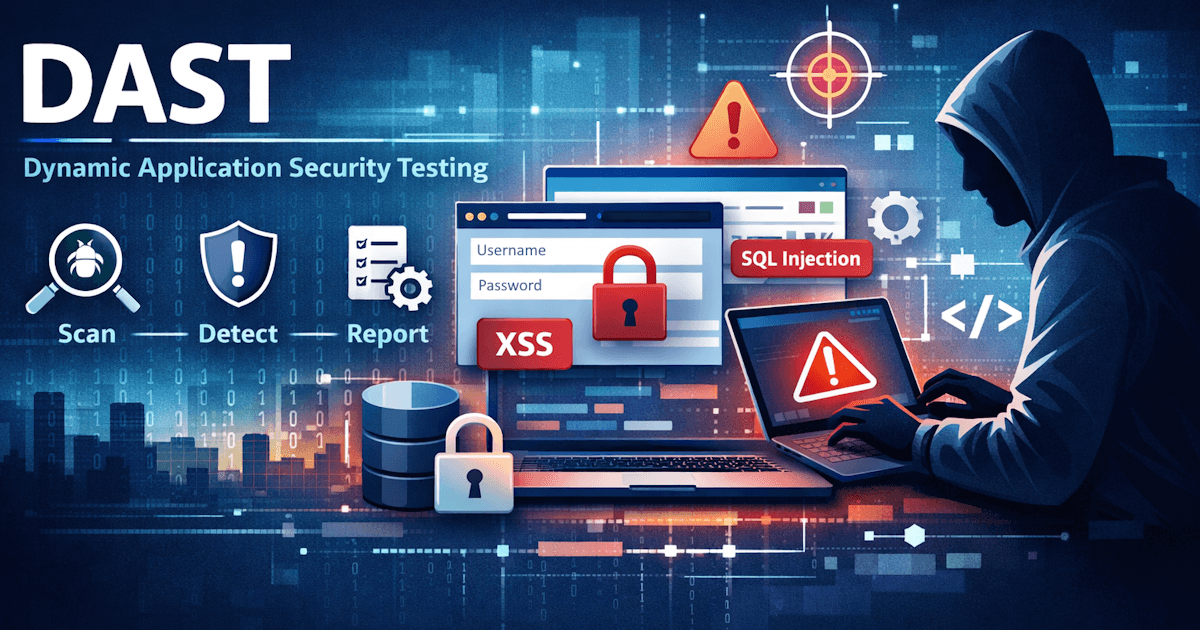
Dynamic Application Security Testing (DAST) is a way to find security problems by testing your application while it's running—the same way an attacker would see it. This guide explains what DAST is, how it works, when to use it, and how it fits with other testing approaches.
What is DAST?
Dynamic means the application is live. Unlike tools that analyze source code on your machine, DAST sends real HTTP requests to your website or API and inspects the responses. It doesn't need your codebase or build artifacts; it only needs a URL and (optionally) a way to authenticate. That makes it a black-box approach: the tester sees what any user or attacker would see from the outside.
DAST is especially useful for finding issues that only show up at runtime—misconfigured headers, weak authentication flows, injection vulnerabilities in the way the app actually responds, and environment-specific problems that static analysis can't see.
How DAST works
A typical DAST tool does the following:
- Crawling. It discovers URLs and endpoints by following links, reading sitemaps, or using a list you provide. For APIs, it may use an OpenAPI or Swagger spec or similar to know what to call.
- Sending requests. It issues real GET, POST, and other requests with various parameters and payloads—including ones designed to trigger security flaws.
- Analyzing responses. It looks at status codes, headers, and response body to detect signs of vulnerabilities (e.g. error messages that leak information, or responses that indicate successful injection).
- Reporting. Findings are grouped by risk level and type, with details on the affected URL and often guidance on how to fix the issue.
Many tools distinguish between passive and active scanning. Passive scanning observes traffic (e.g. while you browse or while the tool crawls) and analyzes responses without sending attack payloads—useful for spotting information leakage or misconfigurations. Active scanning sends probes designed to trigger vulnerabilities (e.g. injection payloads). A thorough DAST run usually includes both; active scanning finds more issues but may need to be run with care in production.
Many DAST tools support authentication—for example, logging in via a form or using a token—so you can test areas behind login, not just public pages.
DAST vs SAST (and IAST)
SAST (Static Application Security Testing) analyzes source code, config files, and dependencies without running the app. It finds issues like hardcoded secrets, unsafe functions, or known vulnerable libraries. DAST tests the running application and finds issues that only appear when the app is deployed and used—wrong headers, weak auth, or injection that actually works in production.
They complement each other: SAST catches code-level problems early; DAST catches runtime and deployment issues. Many teams use both. IAST (Interactive Application Security Testing) runs inside the app (e.g. via an agent) while you exercise it; it combines some benefits of both but requires instrumentation and is often used in test environments rather than as a simple black-box scan.
For web apps and APIs that are already deployed or close to it, DAST is the most direct way to answer: "What would an attacker actually see and exploit?"
DAST and penetration testing
Penetration testing (pentesting) is a human-led, goal-oriented simulation of an attack. A tester uses reconnaissance, custom exploits, business-logic abuse, and manual exploration to find weaknesses that automated tools might miss. Engagements are often time-boxed—for example, a two-week assessment before a major release.
DAST is not a substitute for a full pentest. It gives you repeatable, automated coverage that you can run on a schedule or in CI; a pentest gives you a deep, human assessment of "what would a skilled attacker do?" Many teams use both: run DAST regularly to catch regressions and maintain a baseline, and commission a pentest periodically (e.g. annually or before a big launch) for that deeper view.
What DAST finds
DAST tools typically target the kinds of issues listed in the OWASP Top 10 and similar standards. Common examples include:
- Injection (SQL, command, LDAP, etc.)—payloads that trigger errors or behavior that shows the app is vulnerable.
- Cross-site scripting (XSS)—where user input is reflected in the response in a way that could run script in a victim's browser.
- Broken authentication and session management—weak or missing security headers, cookie issues, or session fixation.
- Misconfiguration—missing or unsafe security headers (e.g. CSP, HSTS), verbose error pages, or default credentials.
- Sensitive data exposure—data leaked in responses, in error messages, or over unencrypted connections.
Findings are usually rated by risk (e.g. High, Medium, Low) so you can prioritize. No tool is perfect—you may see false positives or miss issues that need manual testing—but DAST gives you a repeatable, automated baseline.
When to run DAST
Common ways to use DAST:
- On demand. Run a scan before a release or after a major change to catch regressions.
- Scheduled. Run scans regularly (e.g. nightly or weekly) on staging or production-like environments so you get ongoing visibility.
- In CI/CD. Some teams run a quick DAST scan in the pipeline against a deployed preview or staging URL; it adds feedback without replacing deeper scans.
Testing an environment that closely matches production (same config, auth, and URLs) gives the most realistic results. Running DAST only on localhost may miss deployment-specific issues.
Limitations and best practices
DAST doesn't read your source code, so it can't guarantee full coverage of every code path. Complex multi-step flows (e.g. checkout, wizard-style UIs) may need careful crawl configuration or manual exploration. You can improve results by:
- Providing authentication so the scanner can reach protected areas.
- Using an API spec (e.g. OpenAPI) when testing APIs so the tool knows which endpoints and parameters to try.
- Reviewing and tuning scan scope and policies to reduce noise and focus on what matters for your app.
- Treating DAST as one part of security—alongside SAST, dependency checks, and manual testing—rather than the only check.
Wrapping up
DAST answers a simple question: "If someone attacked my live app or API right now, what would they find?" By testing the running system the way an attacker would, it surfaces real-world issues that static analysis and code review alone can miss. Combining DAST with other practices—and running it regularly on realistic environments—helps teams ship with more confidence.
Scryn runs DAST using OWASP ZAP so you can point it at your URLs, run on-demand or scheduled scans, and get clear reports. If you've already tried your first scan, you've been doing DAST—now you know what's going on under the hood.