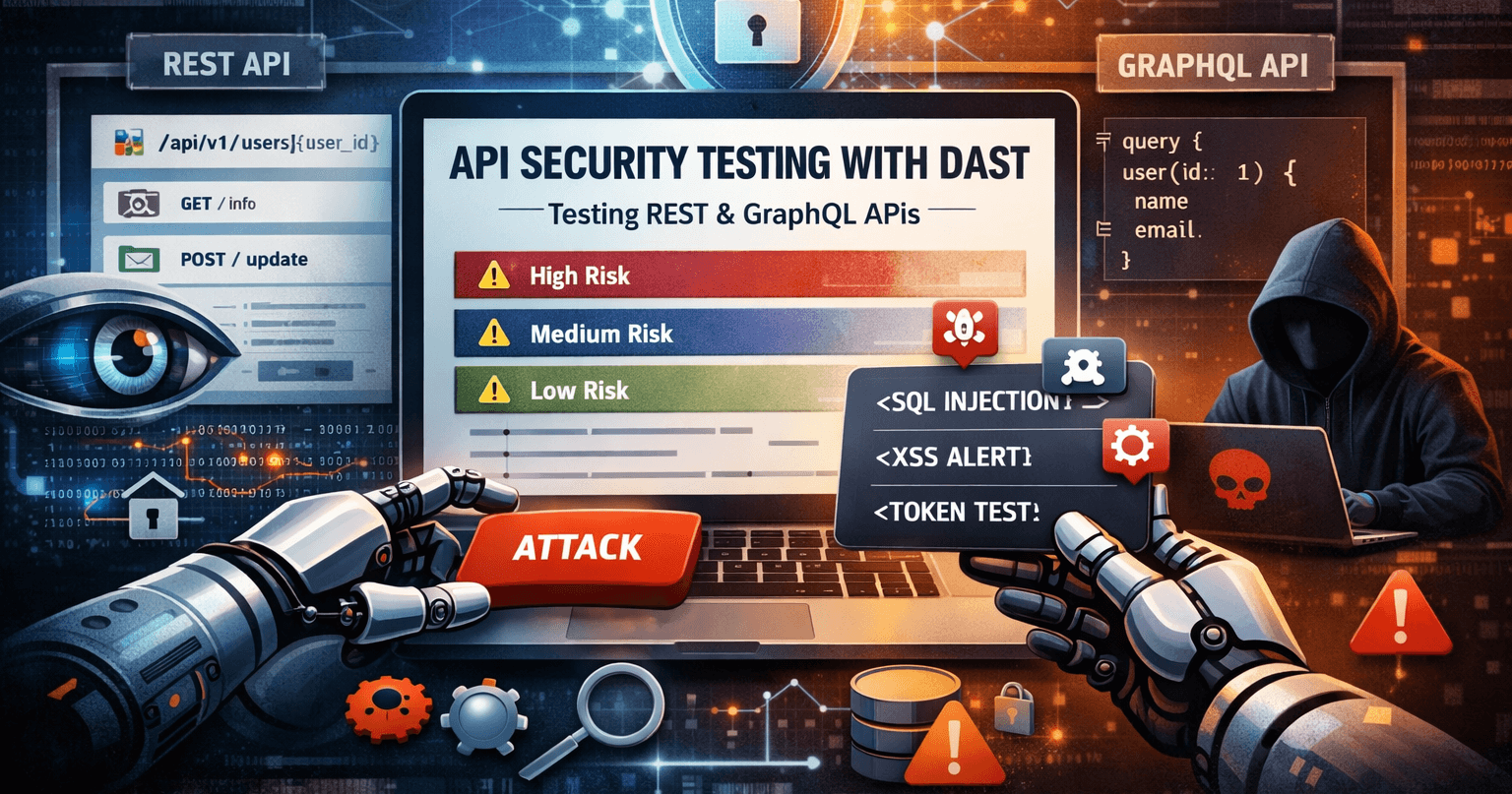
API security testing with DAST means testing your REST or GraphQL APIs the way an attacker would—sending real requests, probing for injection and misconfiguration, and analyzing responses. Unlike crawling a website, API DAST typically uses an OpenAPI or GraphQL schema to know exactly which endpoints and parameters to test. This guide explains how it works, what you find, and how to get the most out of it.
Quick definition
API security testing with DAST is dynamic application security testing applied to APIs: the tool sends HTTP requests to your API (often guided by an OpenAPI spec or GraphQL schema), uses probe payloads and checks for known vulnerability patterns, and reports findings by risk level—all without needing your source code.
Why APIs need security testing
APIs are a primary attack surface. They expose business logic, handle authentication, and often process sensitive data. A single vulnerable endpoint can lead to data breach, privilege escalation, or abuse. DAST tests your API while it's running—the same way an attacker would—so you find real, exploitable issues before they do.
Web crawlers are built for HTML pages and links. APIs are different: they have structured endpoints, request bodies, query parameters, and often require authentication headers or tokens. DAST tools designed for APIs use a spec (OpenAPI/Swagger for REST, introspection or schema URL for GraphQL) to drive the scan, so they test the right paths and parameters instead of guessing.
How DAST tests APIs
A typical API-focused DAST run looks like this:
- Import the API surface. The scanner reads your OpenAPI/Swagger spec or GraphQL schema (via introspection or a schema URL). It learns which endpoints exist, which methods and parameters they accept, and what types of data they expect.
- Send requests with security probes. For each endpoint and parameter, it sends normal and malicious payloads—injection strings, oversized inputs, invalid types—and observes how the API responds.
- Analyze responses. It checks status codes, headers, and body for signs of vulnerabilities: error messages that leak stack traces, reflected input that could be XSS, or behavior that suggests SQL or command injection.
- Report findings. Issues are grouped by type and risk (High, Medium, Low) with the affected URL, parameter, and remediation guidance.
Because the scanner is driven by the spec, it doesn't rely on crawling or discovery—it goes straight to the endpoints you care about. That makes API DAST faster and more complete for API-only targets than a generic web scan.
API scan vs web crawl: what’s different?
When you run DAST on a website, the tool often crawls by following links. For APIs, crawling usually doesn’t make sense—you need a defined list of endpoints. Here’s how the two approaches compare:
| Aspect | Web / crawl-based DAST | API DAST (spec-driven) |
|---|---|---|
| Discovery | Spider/crawl follows links | OpenAPI spec or GraphQL schema defines endpoints |
| Coverage | Whatever the crawl reaches | All operations in the spec (if accessible) |
| Parameters | Form fields, query strings found during crawl | Request body, query, path params from spec |
| Auth | Cookie/session from login flow | Headers, bearer token, API key (same as for web) |
For REST APIs, provide an OpenAPI 2.0 (Swagger) or OpenAPI 3.x spec URL. For GraphQL, the scanner can use introspection at the endpoint or a schema URL you supply. Both approaches give the scanner a clear map of what to test.
What DAST finds in APIs
API DAST targets the same classes of issues as general OWASP Top 10–style DAST, applied to API endpoints and parameters:
- Injection (SQL, NoSQL, command, LDAP). The scanner sends payloads in query params, path params, and request body; it detects when the API responds in a way that indicates successful injection (e.g. error messages, changed behavior, or timing).
- Broken authentication and authorization. Missing or weak auth on sensitive endpoints, token handling issues, or IDOR-style access control (e.g. accessing another user’s resource by changing an ID).
- Security misconfiguration. Missing or weak security headers (CORS, CSP, etc.), verbose error responses that leak stack traces or internal details, or debug endpoints left enabled.
- Sensitive data exposure. PII or secrets in responses, in error messages, or over non-HTTPS. DAST can flag when responses contain patterns that look like sensitive data.
- Mass assignment and schema violations. Sending extra or unexpected fields to see if the API accepts them; sending invalid types or oversized payloads to trigger errors or abuse.
Findings are reported with the endpoint, parameter, and evidence (e.g. request/response snippet) so your team can fix and re-scan to confirm.
When to run API DAST
Run API security scans in the same cadence you’d use for other DAST:
- Before releases. After API changes or before a major launch, run a full API scan on staging (or a production-like environment) to catch regressions.
- On a schedule. Nightly or weekly scans on a deployed API give ongoing visibility and help catch new vulnerabilities as the API evolves.
- In CI/CD. Trigger an API scan from your pipeline when a preview or staging build is deployed; fail the build on high-severity findings or just report and track. Keep the spec in sync with the deployed version so coverage stays accurate.
Use an environment that matches production (auth, config, and URLs) so results are realistic. If your API is behind login, use an authentication profile (e.g. OAuth client credentials or a recorded session) so the scanner can reach protected endpoints.
REST vs GraphQL
REST APIs are usually described with OpenAPI (Swagger). The scanner imports the spec, discovers all paths and operations, and runs passive and active checks against them. No spider—just spec-driven testing.
GraphQL APIs expose a single endpoint (often /graphql) and use queries and mutations defined in the schema. A GraphQL-aware DAST tool imports the schema (via introspection or a schema URL), then sends crafted queries and mutations to test for injection, introspection exposure, excessive depth, and auth issues. Scryn supports both API Scan (OpenAPI/Swagger) and GraphQL Scan as dedicated scan types—you choose the type and provide the spec or endpoint.
Best practices
- Keep the spec up to date. The scan is only as good as the API surface you describe. Regenerate or publish your OpenAPI/GraphQL schema as part of the build so the scanner always tests the current API.
- Use authentication. Many APIs require a token or login. Configure the scanner with the same auth your clients use (e.g. API key header, OAuth client credentials) so it can test protected routes.
- Scope and rate. Run active scans against staging or a dedicated test environment when possible. If you must scan production, consider rate limiting or a read-only scope to avoid impacting users.
- Triage and re-scan. Treat findings like any DAST output: prioritize by risk, fix, and re-run the scan to confirm the issue is resolved.
Key takeaways
- API security testing with DAST tests your running API with real requests and security probes, guided by an OpenAPI spec or GraphQL schema.
- Spec-driven API DAST is faster and more complete for APIs than crawl-based web DAST—no spider, just the endpoints you define.
- DAST finds injection, broken auth, misconfiguration, and sensitive data exposure in API endpoints and parameters.
- Run API scans before releases, on a schedule, or in CI/CD; use auth and an up-to-date spec for best coverage.
Wrapping up
APIs are critical infrastructure and a prime target for attackers. DAST gives you repeatable, automated security testing that answers: "If someone probed my API right now, what would they find?" Using an OpenAPI or GraphQL schema ensures the scanner tests the right endpoints and parameters—so you get solid coverage without crawling.
Scryn offers dedicated API Scan (OpenAPI/Swagger) and GraphQL Scan so you can point at your spec or endpoint, add auth if needed, and run on-demand or scheduled scans. Results show up in the same dashboard as your web app scans—one platform for apps and APIs.