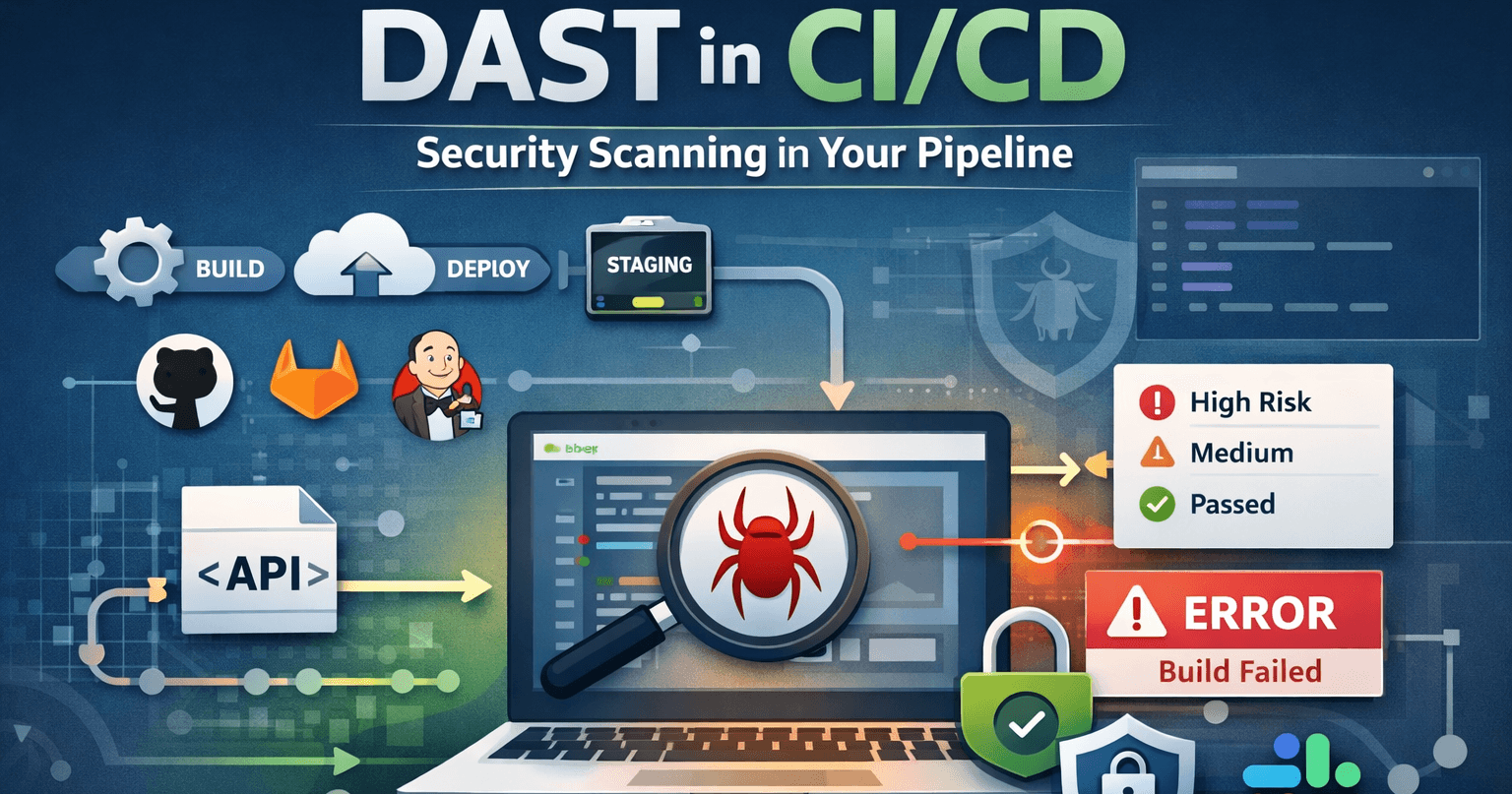
DAST in CI/CD means running dynamic application security testing automatically when you build and deploy—typically against a staging or preview URL after a merge or before a release. Instead of only scanning manually, you wire your DAST tool into GitHub Actions, GitLab CI, Jenkins, or similar so every meaningful change gets a security pass. This guide covers why teams do it, how to design the workflow, and what to watch out for.
Quick definition
DAST in CI/CD is the practice of triggering a black-box security scan (against a running app URL) from your pipeline—often via REST API—so scans run on a schedule or after deploys without someone clicking "Run scan" in a dashboard every time.
Why run DAST in the pipeline?
DAST tests your application as it runs—the same perspective an attacker has. Putting it in CI/CD gives you:
- Faster feedback. Find regressions soon after code changes, while context is fresh.
- Consistent coverage. The same scan type and scope runs every time, so you're not relying on ad-hoc manual runs.
- Shift-left that stays realistic. You're not replacing production monitoring—you're catching issues on staging or preview before they ship.
- Audit trail. Pipeline logs and scan history show security was exercised for each build or release.
DAST complements static analysis (SAST) and dependency scanning: those catch code and library issues; DAST catches runtime behavior, misconfiguration, and issues that only appear when the app is deployed with real config and routing. Together they help you cover classes of risk aligned with standards like the OWASP Top 10 from different angles.
What "DAST in CI/CD" usually looks like
In practice, most teams don't run a full active scan on every commit—that can be slow and noisy. Common patterns:
- After deploy to staging. When a preview or staging environment is updated, the pipeline calls the DAST platform's API to start a scan against that environment's base URL.
- Nightly or weekly. A scheduled job runs a deeper scan (baseline or full) against a stable staging URL, independent of every PR.
- Before release (gate). A release branch or tag triggers a scan; the release proceeds only if there are no new high-severity findings—or if they're waived with a process.
The implementation is almost always: HTTP request to an API (create scan) + wait or poll for completion + optional webhook or export to fail the job or notify Slack. Scryn exposes a REST API so you can create scans from scripts; use an API token with the right permissions and store it as a CI secret.
Staging vs production: where to point the scanner
For CI/CD, staging or preview is usually the right target: it's close to production but you can tolerate more aggressive crawling and active probes without impacting customers. Scanning production from CI is possible but requires care—rate limits, read-only tests, maintenance windows, and approval workflows.
Your pipeline should pass the exact URL the deployed app uses (e.g. https://staging.example.com). If the app is behind login, configure authentication (headers, cookies, OAuth, or a recorded profile) so the scanner can reach protected routes—same as for manual scans.
GitHub Actions, GitLab CI, Jenkins, Azure Pipelines
Regardless of platform—GitHub Actions, GitLab CI, Jenkins, or Azure Pipelines in Azure DevOps—the steps are the same:
- Store the DAST API base URL and a long-lived API token (or short-lived credential) in the CI secret store.
- After the app is deployed (or in a dedicated job), run a script that
POSTs to create a scan with the target URL and scan type. - Poll the API until the scan completes, or subscribe to a webhook that fires on scan completion.
- Parse the result: fail the job if new critical/high findings appear, or export SARIF/HTML for the security team.
GitHub Actions users often use a composite action or a small Node/Python script. GitLab CI uses curl or the same script in a script: block. Jenkins can use an HTTP Request plugin or shell step. In Azure DevOps, use a script task or curl after your deploy job, with secrets in variable groups. The Scryn API is documented in the dashboard for authenticated users—point your pipeline at the same endpoints you'd use from curl or Postman.
Blocking vs non-blocking pipelines
Two common strategies:
| Approach | When to use it |
|---|---|
| Non-blocking | Start the scan from CI but don't fail the build. Results go to the dashboard, email, or webhooks (e.g. Slack). Good while you tune rules and reduce false positives. |
| Blocking (gate) | Fail the job if the scan completes with new high-severity findings (or if the scan fails to run). Requires a clear baseline, stable environment, and agreement on what "must fix" means—otherwise developers get frustrated by flaky gates. |
Many teams start non-blocking, then introduce gates once they trust the signal and have triage workflows in place.
API and GraphQL scans in CI
If your pipeline deploys an API, pair the deploy with an API or GraphQL scan driven by your OpenAPI spec or GraphQL schema URL. That keeps CI aligned with how you test the product—spec in repo, deploy, then scan the same version the spec describes.
Best practices
- Use dedicated API tokens for CI. Scope permissions (create/read scans only), rotate periodically, and never commit secrets to the repo.
- Match environment to purpose. Staging for aggressive scans; production only with a narrow scope and ops approval.
- Keep scans proportional. A quick baseline or spider on every PR might be enough; save full scans for nightly or pre-release.
- Handle flakiness. Network blips and slow environments can cause timeouts—retry logic and clear logs help avoid "red builds" that aren't security issues.
- Combine with other checks. SAST, dependency scanning, and DAST together cover different layers; CI/CD is where they converge for each change. For exploratory coverage, you can also add an AI-powered security scan as a supplementary pass alongside rule-based DAST.
Key takeaways
- DAST in CI/CD automates security scanning against a running app URL, usually staging or preview, triggered from your pipeline via API.
- It gives fast feedback and a repeatable process—without replacing manual review or pentesting.
- Start with non-blocking scans if needed, then add gates when your team is ready.
- Use API tokens, stable target URLs, and auth profiles so scans reflect real application behavior.
Wrapping up
Adding DAST to CI/CD closes the loop between "we deployed" and "we checked it like an attacker would." Whether you use GitHub Actions, GitLab, Jenkins, Azure Pipelines, or another runner, the pattern is the same: deploy, call the scanner, act on results. Scryn provides REST APIs, API tokens, webhooks, and the same scan types you use from the UI—so your pipeline can stay the source of truth for when and where security runs.
New to Scryn? Start with your first security scan, then wire the same flow into CI when you're ready.